

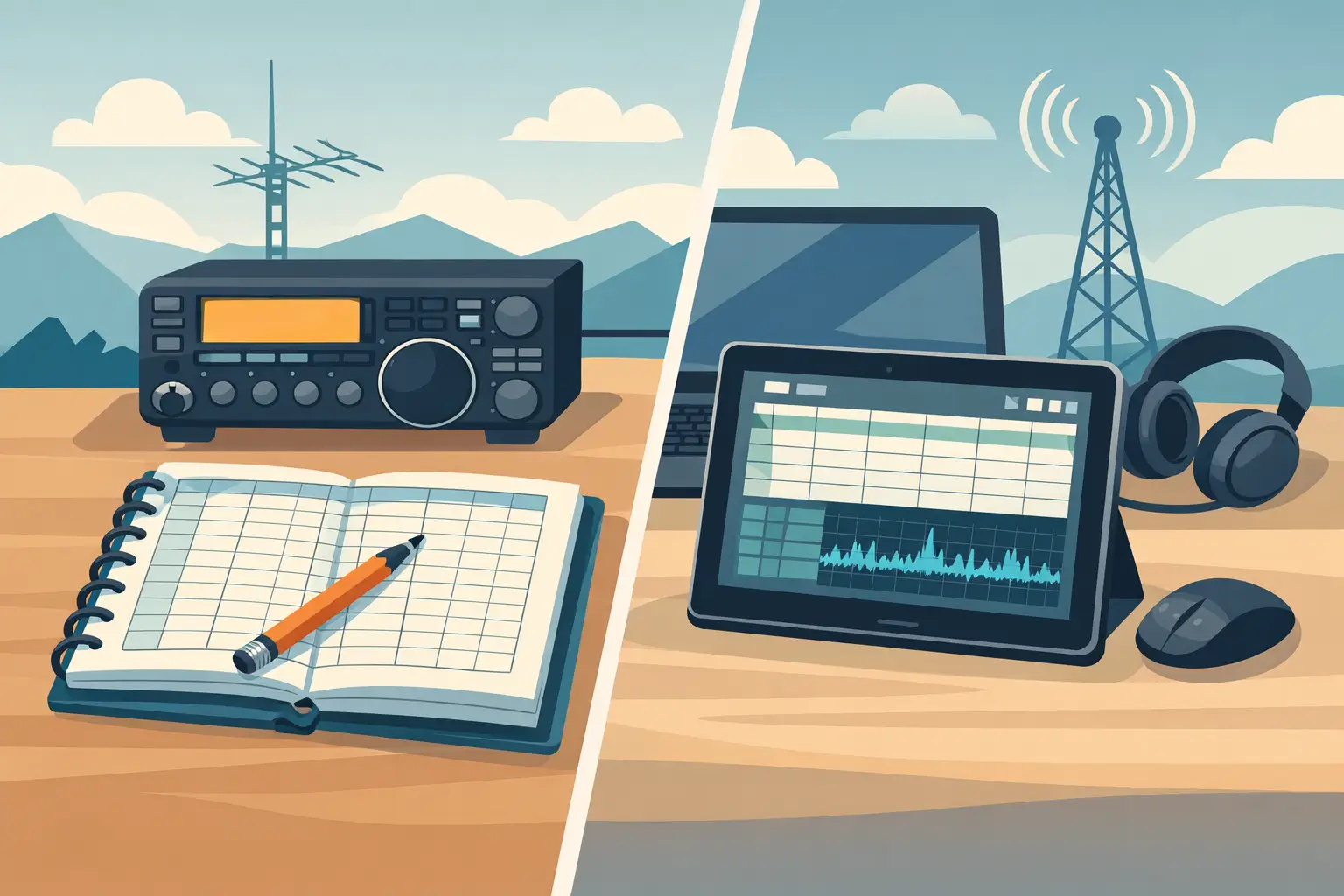
The choice between a paper versus digital ham logbook usually comes up at the same moment: you have just finished a good QSO, the next station is calling, and you need to write something down before the details disappear. A notebook is right there. A computer may already be running. Neither choice is wrong, but each changes how easily you can find, protect, and use your contact history later.
I have talked with hams who keep decades of careful handwritten records and others who would not want to operate without a searchable computer log. The best answer is not the one with the most features. It is the one you will actually use every time you get on the air.
Paper versus digital ham logbook: the real difference
A paper logbook is immediate. Open it, write the date, time, call sign, frequency, mode, report, and a short note if you want one. There is no sign-in screen, no software update, and no question about whether your computer is connected. For a new ham, that simplicity can be a relief. For an experienced operator working portable, it can be exactly what the situation calls for.
Paper also has a certain permanence. A well-kept notebook tells the story of your station in a way a spreadsheet rarely does. You may find notes about a first DX contact, an antenna experiment, or a local net that has long since gone quiet. If you enjoy the physical record, that matters.
The trouble starts when you need information from the book rather than merely a place to put it. Finding every contact with one call sign means turning pages. Checking whether you worked a state, country, grid, or band can take time. Correcting an entry must be done neatly enough that the log remains readable. And a paper book has only one original copy unless you make an effort to scan or photocopy it.
A digital logbook turns those same contact details into records you can search and sort. Enter a call sign and see previous QSOs. Filter by date, mode, or band. Correct a typo without crossing out a line. Make a backup copy on a flash drive or another computer. For operators who make regular contacts, work awards, or simply want to answer the question, “When did I last work that station?” these are practical advantages, not computer gimmicks.
Still, digital logging is not automatically easier. A complicated program can turn a basic QSO into a screen full of fields, tabs, setup choices, and features you never asked for. If logging software gets in the way of operating, it has missed the point.
When a paper log makes the most sense
Paper is a good fit when your operating is occasional, portable, or deliberately simple. A notebook is dependable during a power outage, at a field location, or beside a radio that is not connected to a computer. It is also useful when you are learning. Writing down the pieces of a contact helps many newer operators develop a comfortable on-air routine.
Some hams prefer paper because it keeps the station free of another screen. That is a reasonable preference. Amateur radio is a hands-on hobby, and not everyone wants a keyboard between them and the rig.
The important part is consistency. Choose a format with room for the information you want to preserve. At a minimum, most operators record date, time in UTC, call sign, frequency or band, mode, and signal report. A name, location, grid square, or short note can be useful too. Use ink that will last, write clearly, and keep the book somewhere dry and safe.
If your paper log is your only log, consider creating a backup routine. Scanning completed pages once a month is not exciting work, but it protects years of contacts from a spilled drink, a lost notebook, or a basement leak. A photo stored only on your phone is better than nothing, but a copy on a computer or external drive is safer.
When digital logging earns its place
A digital logbook begins to pay off as your records grow. The value is not just faster entry. It is being able to retrieve your own information without guessing which notebook holds the answer.
Suppose a familiar call sign comes back to you after two years. A searchable log can show your last QSO, the band you used, and any notes you entered. If you are tracking contacts for awards or confirmation services, a digital record also makes it much easier to review what you have worked and prepare your data when needed.
Digital records can be backed up in seconds, but only if you actually do it. Computers fail, hard drives fail, and a file on one machine is not a backup. Keep at least one copy separate from the computer where you log. A simple external drive or flash drive can be enough if you update it regularly. The method matters less than having a habit.
The other advantage is readability. No matter how tired you are after a busy net or contest, typed records remain easy to read months later. You can also add notes without squeezing words into the edge of a page.
The downside is that a digital log asks for a little basic computer care. You need to know where the log file is stored, how to make a copy, and what to do if the program does not open. Those tasks should be simple. If they are not, the software is asking too much of the operator.
A simple digital log is different from a complicated suite
Many logging programs are built to cover every possible operating style, radio connection, award, report, and automation option. Those tools may be right for an operator who needs them. But a program with a long setup process can be frustrating when your real goal is to record calls and keep a dependable station log.
That is why I built HamLogBook around the basic job: entering and managing amateur radio contacts without making you learn a large software suite first. It is meant for the ham who wants to log a QSO, look up a previous one, and get back to the radio. If installation or computer settings become a problem, I provide direct remote help rather than leaving you alone with a manual.
A simple program does not mean giving up control of your records. It means the common tasks are close at hand, and the extra complexity stays out of the way. Before choosing any digital logbook, make sure you can enter a contact quickly, search it later, and back up the data without needing a lesson every time.
You do not have to choose only one
For many operators, the best paper versus digital ham logbook decision is a hybrid approach. Keep a paper notebook at the operating position for quick notes, portable work, or emergency use. Then enter those contacts into a digital log after the session. This gives you the speed and resilience of paper along with the search and backup benefits of digital records.
The catch is delayed entry. If you wait too long, call signs and details can be mistyped or forgotten. Set a small rule for yourself: transfer contacts after each operating session, or at least before the end of the day. If you only make a few contacts each week, that is usually a very manageable routine.
Another approach is to log digitally during normal home-station operation and carry a paper log for field days, travel, and outages. When you return home, enter the paper contacts and file the pages. This works especially well for hams who want digital organization without depending on a laptop at every location.
Choose the method that keeps you on the air
Do not choose paper because it feels traditional if searching old contacts has become a chore. Do not choose digital because it sounds modern if the program makes you hesitate before logging a simple QSO. Your logbook should support your operating style, not become another project waiting on the desk.
Try a practical test. After your next ten contacts, ask yourself three questions: Was it easy to record each QSO while operating? Could you find a contact from last month without fuss? Do you have a copy that would survive a lost notebook or failed computer? Your answers will point you in the right direction.
Whatever you use, make the first entry today and make the next backup soon after. A logbook becomes valuable one ordinary contact at a time.