

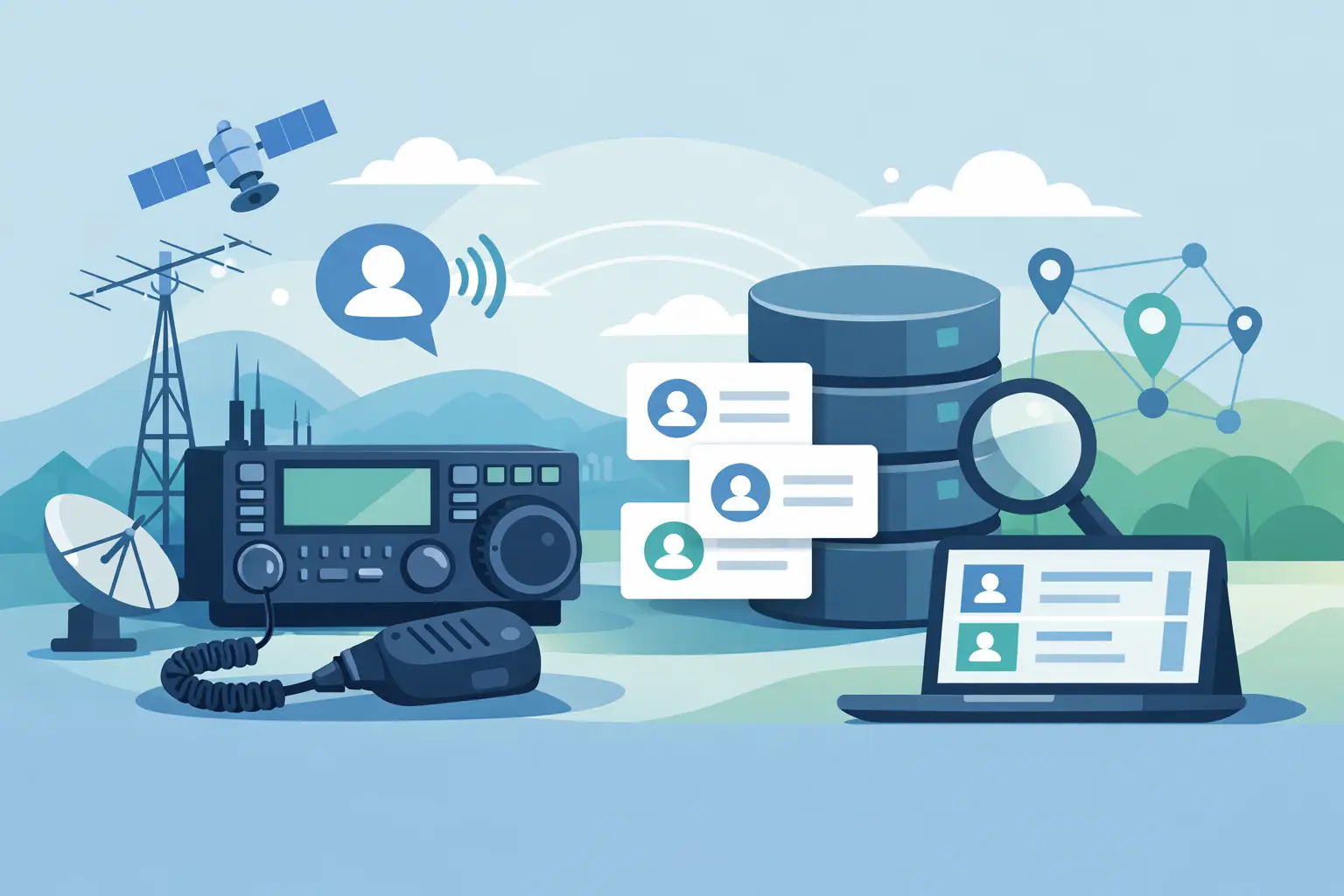
You work a familiar call on 20 meters, exchange the basics, and then wonder: Have we talked before? A callsign database for ham contacts should answer that question in a few seconds. It should not send you through a maze of setup screens, awards settings, online accounts, and fields you never plan to use.
For most operators, the useful database is not some giant collection of every call sign ever issued. It is your own reliable record of the people you have worked, when you worked them, what band and mode you used, and whatever notes will make the next contact more meaningful. That sounds simple because it is simple. The trick is keeping it that way.
What a Callsign Database Should Do at the Radio
A good contact log becomes more useful every time you add a QSO. Enter a call sign and you should be able to see whether it is already in your records. If it is, a quick look at the prior contact can tell you the date, band, mode, name, QTH, or notes you saved.
That history changes the feel of a contact. Instead of treating every station as a stranger, you can say, “Good to hear you again,” and know that you last met on 40 meters three months ago. For a casual rag chew, a net check-in, a park activation, or a local simplex contact, that little bit of context is often more useful than a screen full of statistics.
The basic fields matter most: call sign, date, time, frequency or band, mode, signal report, name, location, and notes. You may not need every field on every contact. That is fine. A logging program should let you record the information you have without making a blank field feel like a mistake.
A callsign database also helps with the practical question of duplicate contacts. Duplicate does not necessarily mean unwanted. You may work the same operator many times, and those contacts can be the whole point of the hobby. But seeing your history helps you avoid accidentally logging the same QSO twice, especially during a busy event or after returning to the radio following an interruption.
Your Log Is Different From a Call Sign Lookup
It is easy to mix up two different jobs. A public call sign lookup tells you what an outside source currently has on file for a call sign. Your logging database tells you what happened between your station and that operator.
Both can be useful, but they serve different purposes. A lookup may provide a name or mailing address, depending on the source and the operator’s country. It cannot tell you that you had a fine conversation with that person during last winter’s storm, that they run a particular antenna, or that you promised to listen for them on a certain net.
Your own notes are where the human part of amateur radio belongs. They are also where common sense matters. Log details you actually expect to use. A short note such as “met on county net” or “likes CW on 30m” can be valuable later. A dozen fields copied in automatically may just make the record harder to read.
Accuracy matters, too. A call sign can change hands, an operator can move, and outside databases can be out of date. If something looks wrong, do not let an automatic lookup override what you heard on the air. Confirm the call carefully, ask for a repeat when needed, and correct the log while the QSO is still fresh.
Keep the Contact Record in Your Control
There is another reason to value your own database: your log should remain available whether or not an internet service is running, a subscription changes, or an online account gives you trouble. A desktop log stored on your computer can be opened at the shack without depending on a web connection.
That does not mean you should never back it up. Quite the opposite. A contact database only helps if it survives a computer problem. Keep a copy on an external drive, another computer, or a backup service you already trust. Back up before major changes, before importing a large file, and occasionally after a good stretch of operating.
If you import records from another program, review a small sample first. Watch for dates in the wrong format, frequencies that do not match the band, repeated contacts, or notes placed in the wrong field. Imports can save a lot of typing, but they are not magic. A few minutes of checking can prevent a lot of cleanup later.
Build a Callsign Database for Ham Contacts You Will Use
The best setup is usually the one you can begin using tonight. Start with your existing log, even if it is a notebook, a spreadsheet, or a handful of printed pages. You do not have to perfect every old record before moving forward.
Enter new contacts consistently from this point on. Use the same approach for time, band, mode, and names. For example, decide whether your notes will say “Bob” or “Robert” when you know both, and stick with what makes sense to you. Consistency makes searches work better later.
Use notes with a light touch. A log entry is not a biography. Save details that help identify the contact or continue the conversation: a club, a net, a shared interest, a prior QSO, or a requested follow-up. If an entry is taking longer to type than the contact lasted, the process may be asking too much.
Search is the payoff. At some point, you will hear a call sign that sounds familiar. Being able to type it once and pull up your past contacts is far better than flipping through notebooks or hunting across several spreadsheet tabs. You can also search by name, location, band, or a word in your notes when you are trying to remember that operator from a particular net.
For operators who chase awards, make frequent DX contacts, or work contests, more detailed tracking may be worthwhile. There are excellent programs built for those purposes. But more features bring more decisions, more settings, and more ways for a simple logging task to get delayed. It depends on how you operate. If you mainly want a clean, dependable record of your QSOs, simple is not a compromise. It is the right tool for the job.
Avoid Turning Logging Into Another Project
I have spent enough time around databases to know that software can always offer one more field, report, or configuration option. The question is whether it helps you get back to the radio.
A useful logging routine is short: finish the contact, enter the important details, add a note only if it is worth keeping, and save. When the next station calls, you should be ready. You should not be wondering which menu contains the setting you forgot to configure.
That is the thinking behind HamLogBook. I built it as a straightforward way to record and manage ham contacts without the steep learning curve that comes with many larger logging suites. It is meant for operators who want their call sign history organized, readable, and close at hand, not buried under features they do not need.
If installing or moving a log feels like the hardest part, ask for help rather than letting the project sit unfinished. Technology should not be the barrier between you and a good record of your operating. A little direct assistance can be worth more than another long instruction manual.
A Database That Makes the Next QSO Better
The value of a callsign database is not in how many fields it can display. It is in the moment a familiar call comes back through the speaker and you can recognize the operator, recall your last contact, and pick up the conversation naturally. Keep a log that makes that moment easy, then spend the rest of your time where it belongs: on the air.